
STARTING LOOK AROUNDCamera and location permissions may be requested by your browser.
Heading: --°0 visible
Look Around setup
Checking compass…
HHAP is checking whether motion and compass access is already available on this device.
This should only take a moment.Look Around setup
Calibrate your compass
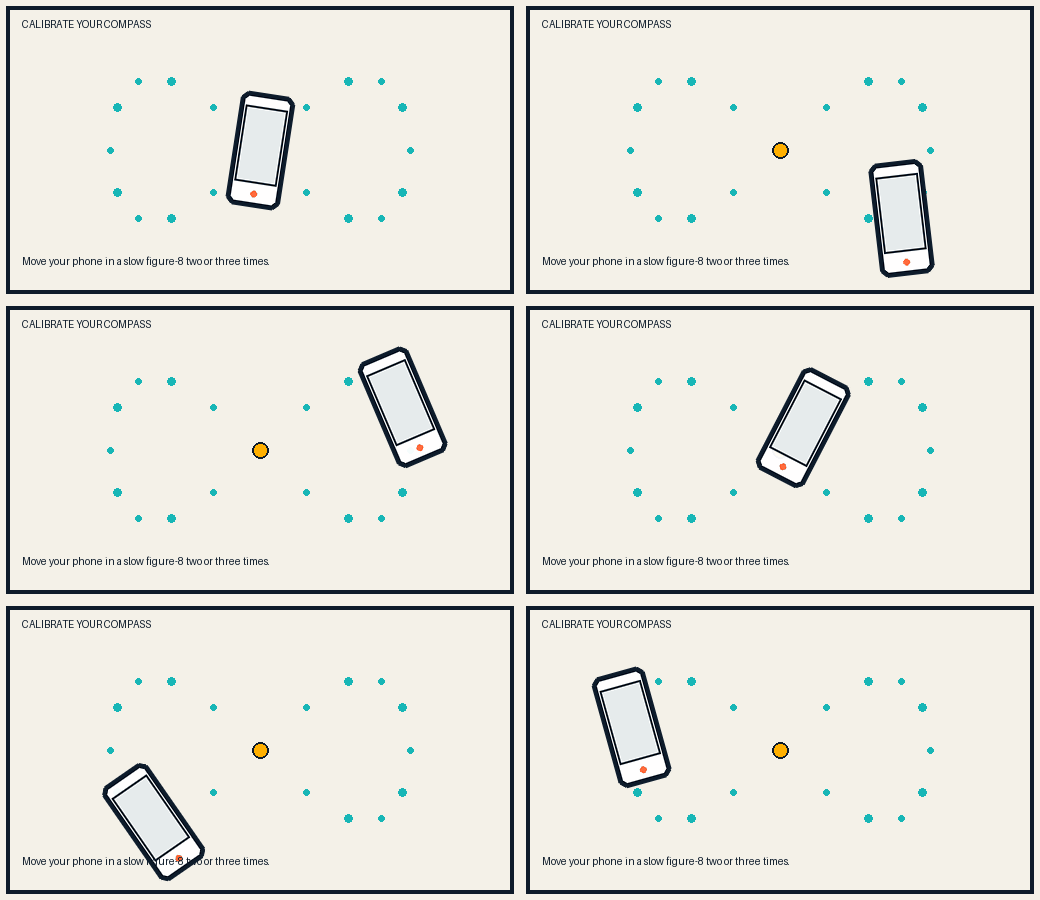
Move your phone slowly in a figure 8 two or three times. Starting Look Around will also turn on the motion and compass sensors needed for Live View and Radar.
Tap Start Look Around to continue.